Track table hockey progress and improve your game in 2026
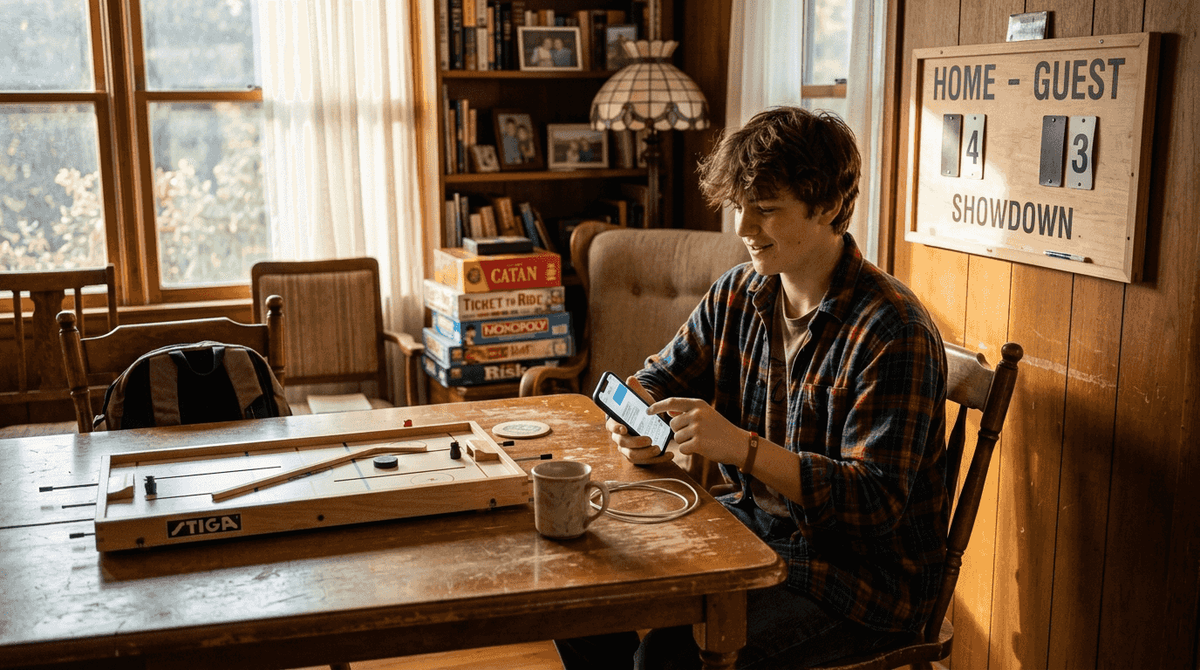
Tracking your table hockey progress can feel overwhelming without the right tools and strategies. You practice regularly, compete in matches, but struggle to identify exactly where you’re improving or what needs work. This guide walks you through the apps, methods, and data-driven approaches that players worldwide use to monitor their skills and accelerate their growth. Whether you’re a beginner or advanced competitor, you’ll discover practical ways to measure performance and take your game to the next level.
Table of Contents
- Essential Tools And Apps For Table Hockey Progress Tracking
- Preparing To Track Your Table Hockey Progress Effectively
- How To Track, Evaluate, And Improve Your Table Hockey Skills Step By Step
- Common Challenges And How To Troubleshoot Tracking Setbacks
- Expected Benefits And How To Verify Your Improvement Over Time
- Explore Quality Table Hockey Tables And Community Support
- Frequently Asked Questions About Table Hockey Progress Tracking
Key takeaways
| Point | Details |
|---|---|
| Effective tracking combines technology with goal setting | Apps, wearables, and regular evaluation create a complete progress system |
| Multiple app options serve different tracking needs | From performance metrics to team management, choose tools matching your focus |
| Data-driven training adapts faster than guesswork | Regular review and plan adjustments accelerate skill development |
| Integration maximizes results | Pairing digital tools with traditional practice delivers the best outcomes |
| Starting simple prevents overwhelm | Free trials and basic metrics help you find the right fit before investing |
Essential tools and apps for table hockey progress tracking
Digital tools transform how players monitor and improve their table hockey skills. The right apps capture performance data, organize practice sessions, and help you spot patterns that traditional methods miss.
HockeyTracker tracks detailed performance metrics and integrates with Apple Health, making it a powerful choice for players who want comprehensive data. The app collects shot accuracy, speed drills, and reaction times during practice and games. You can review trends over weeks or months to see exactly where you’re progressing.
For drill planning and player evaluation, several specialized apps offer unique features. CoachThem provides a library of drills with video demonstrations and customization options. Hockey Coach Vision focuses on visual play drawing and tactical planning. SkillShark excels at player evaluation with custom templates and real-time feedback during tryouts or practice. HockeyShare combines video analysis with drill libraries for comprehensive training support.
Team coordination becomes simpler with communication platforms. Mad Puck connects teams with scheduling and messaging features that keep everyone aligned on practice times and match schedules.
Here’s how popular apps compare:
| App Name | Key Features | Price | Best For |
|---|---|---|---|
| HockeyTracker | Performance metrics, Apple Health sync | $4.99 | Individual progress tracking |
| CoachThem | Drill library, custom plans | $9.99/month | Practice organization |
| SkillShark | Player evaluation, custom templates | $29/month | Team assessments |
| Mad Puck | Team scheduling, communication | Free | Team coordination |
| Hockey Coach Vision | Visual play design, tactical planning | $14.99/month | Strategy development |
Pro Tip: Pair your tracking app with wearable tech like an Apple Watch to capture data automatically during practice without interrupting your focus.
These tools work especially well when combined with the cognitive benefits of table hockey for brain development. The combination of physical skill tracking and mental engagement creates a complete improvement system. Understanding research-backed developmental benefits helps you appreciate why tracking matters for long-term growth.
Preparing to track your table hockey progress effectively
Successful progress tracking starts with the right setup. Your device, app choice, and initial measurements create the foundation for meaningful improvement.
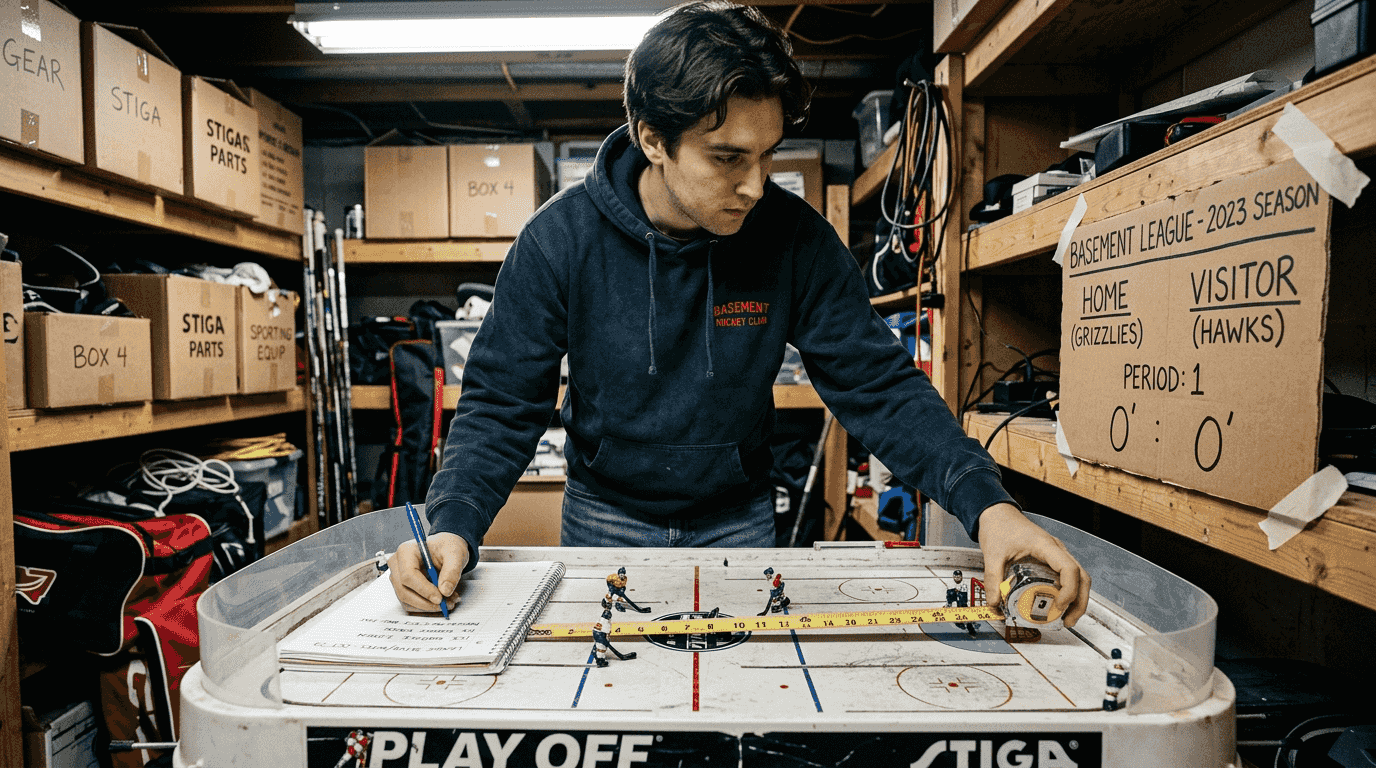
First, evaluate your device compatibility. HockeyTracker requires an Apple Watch, with some limitations on older models affecting data accuracy. Android users need to explore alternatives like Mad Puck or web-based platforms. Consider your budget and whether you prefer free apps with limited features or paid subscriptions with comprehensive analytics.
Follow these setup steps:
- Download your chosen app and create an account with basic profile information
- Connect any wearable devices through Bluetooth and authorize health data permissions
- Complete the initial setup wizard, selecting your skill level and primary goals
- Test data collection during a short practice session to verify accuracy
- Review the dashboard to understand available metrics and reporting features
Establishing your baseline comes next. Run standard drills like 50 shots on goal, timed puck control exercises, or reaction speed tests. Record these results as your starting point. Set specific, measurable goals like improving shot accuracy by 15% in three months or reducing drill completion time by 20 seconds.
Budget considerations matter when choosing tools. Free apps work well for basic tracking, but paid options offer deeper analytics and customization. Compare feature sets against your actual needs rather than choosing the most expensive option automatically.
Pro Tip: Start with free trial periods on multiple apps before committing to a subscription, testing each during real practice sessions to find the best interface and feature match.
The setup process works hand in hand with non-screen engagement benefits. While apps provide valuable data, the physical game itself delivers the skill improvements you’re tracking.
How to track, evaluate, and improve your table hockey skills step by step
Turning data into improvement requires a systematic approach. This process transforms raw numbers into actionable insights that directly enhance your performance.
Step 1: Collect relevant performance data. Use your tracking app during every practice session and match. Focus on consistent metrics like shot accuracy, drill completion times, and reaction speeds. Record at least three sessions per week for reliable trends.
Step 2: Evaluate your performance weekly. SkillShark provides player evaluation tools that create visual progress reports. Review your data every seven days, looking for improvements, plateaus, or declines. Compare current results against your baseline and intermediate goals.
Step 3: Adjust your training based on insights. When data shows weak areas, modify your practice focus. If shot accuracy lags, dedicate 60% of practice time to shooting drills. If reaction speed needs work, increase quick-response exercises. Let the numbers guide your training allocation.
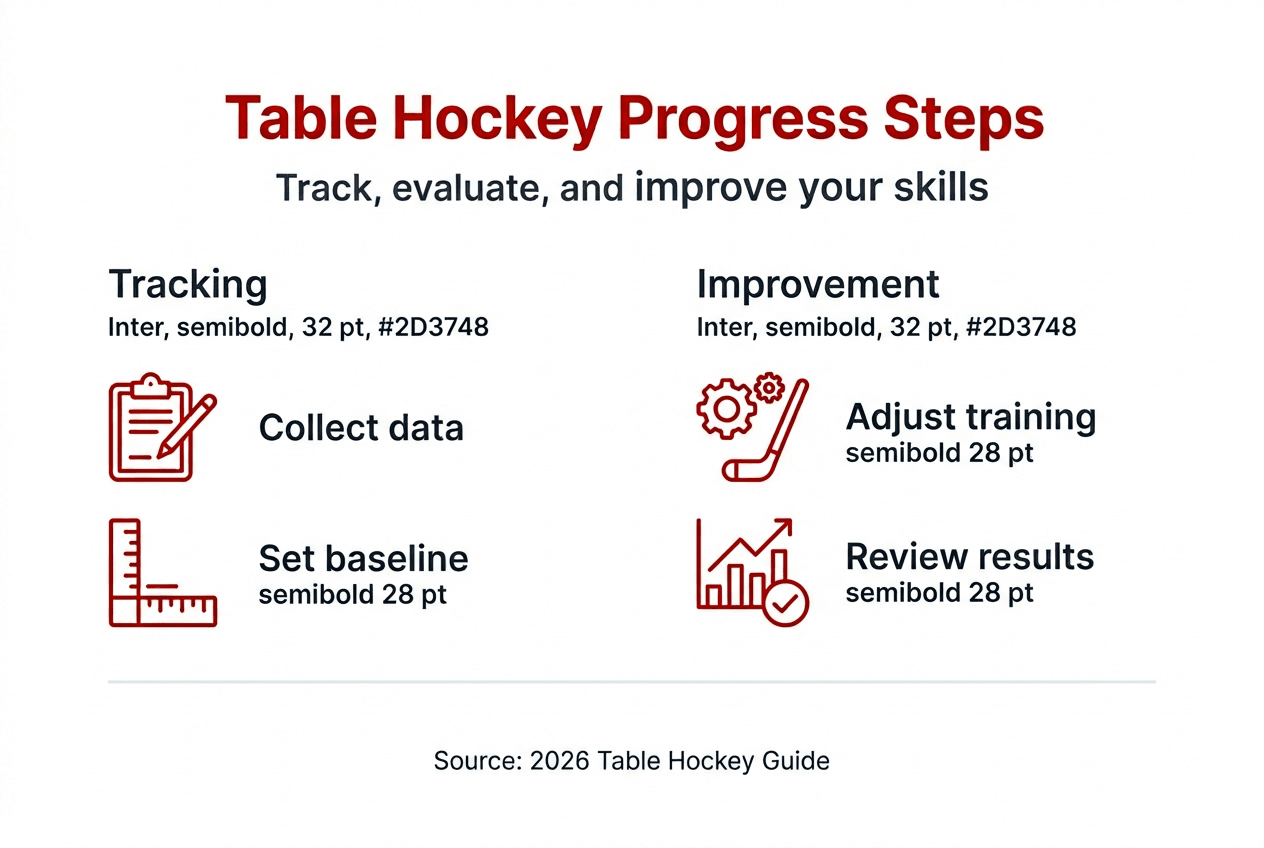
Step 4: Optimize game preparation with lineup tools. Hockey Lineup Manager facilitates quick organization for team play and match readiness. Track your performance in different positions or against various opponents to identify optimal strategies.
Step 5: Monitor long-term progress monthly. Every four weeks, run comprehensive assessments covering all key metrics. Update your goals based on actual improvement rates. Celebrate wins when you hit targets, and recalibrate expectations if progress differs from predictions.
Here’s how tech-assisted tracking compares to traditional methods:
| Approach | Accuracy | Time Investment | Insight Depth | Cost |
|---|---|---|---|---|
| Manual logging | Moderate | High | Basic | Low |
| Basic apps | High | Low | Moderate | Free to low |
| Premium apps + wearables | Very high | Very low | Comprehensive | Moderate to high |
| Coach evaluation only | Variable | Moderate | Situational | High |
Pro Tip: Balance quantitative metrics with qualitative feedback from experienced players or coaches, as numbers alone miss strategic understanding and mental game elements.
This systematic approach connects well with European table hockey community practices where players combine traditional coaching with modern tracking. Learning from global player experiences shows how diverse approaches create well-rounded improvement strategies.
Common challenges and how to troubleshoot tracking setbacks
Even with great tools, technical issues and user errors can disrupt your progress tracking. Knowing how to solve these problems keeps your data reliable.
Device compatibility creates frequent headaches. Bluetooth connections drop between wearables and phones, especially during intense movement. Apps crash when operating system updates introduce bugs. Certain Apple Watch models have limitations that affect how accurately they record fast movements typical in table hockey.
Data syncing problems appear when apps fail to upload session information to cloud storage. You complete a great practice, but the metrics never appear in your dashboard. This happens with poor internet connections or when background data permissions are disabled.
Solutions for common issues include:
- Bluetooth disconnection: Restart both devices, forget and re-pair the connection, and ensure devices are within 10 feet during tracking
- App crashes: Update to the latest version, clear app cache, or reinstall if problems persist
- Missing data: Enable background app refresh and cellular data for your tracking app
- Inaccurate readings: Recalibrate sensors following manufacturer instructions, and verify wearable fit is snug but comfortable
- Motivational slumps: Track fewer metrics temporarily to reduce pressure, or shift focus to enjoyment rather than numbers alone
User errors happen too. Players sometimes misread dashboard data, confusing averages with totals or comparing incompatible time periods. Take time to understand each metric’s definition and calculation method. Watch tutorial videos from app developers to master the interface.
Critical Note: Device support limitations directly impact tracking accuracy. Older hardware models may lack sensors needed for precise measurement, making upgrades necessary for serious progress monitoring.
Reach out to app support teams when you exhaust basic troubleshooting. Most developers respond within 24 hours with specific solutions for your device and situation. Community forums for each app also provide peer support from experienced users.
Understanding developmental benefits keeps you motivated through technical frustrations. Remember that tracking serves improvement, not perfection. Even partial data beats no data when used thoughtfully.
Expected benefits and how to verify your improvement over time
Consistent progress tracking delivers measurable improvements across multiple skill areas. Knowing what to expect and how to confirm gains keeps you motivated and focused.
Typical improvements from three months of tracked practice include:
- Shot accuracy increases of 10 to 25 percent as muscle memory develops
- Faster reaction times by 0.2 to 0.5 seconds through focused drills
- Better strategic decision-making from reviewing game footage and patterns
- Enhanced stamina allowing longer practice sessions without performance drops
- Increased confidence from visible proof of skill development
Verify these improvements systematically:
- Compare current metrics to baseline. Pull up your initial assessment results and place them side by side with recent data. Calculate percentage improvements for each tracked metric.
- Review trend graphs monthly. Most apps generate visual charts showing performance over time. Look for upward trends even if week-to-week fluctuations occur.
- Test with standardized drills. Repeat the exact drills you used for baseline measurements. Use identical conditions like time of day and table setup for fair comparisons.
- Seek external validation. Ask coaches or experienced players if they notice improvements in your game. Their observations confirm what data suggests.
- Adjust goals based on results. When you hit targets early, raise them. If progress lags, investigate whether goals were unrealistic or training needs modification.
Key metrics worth monitoring long-term:
- Average shot accuracy percentage across all practice sessions
- Personal best scores on standard drill circuits
- Consistency ratings showing performance stability
- Match win/loss ratios against similar-skill opponents
- Training volume including total hours and session frequency
Maintain motivation by celebrating small wins. When shot accuracy improves by 5%, acknowledge it even if your target was 10%. Regular evaluation and adapting training plans creates momentum that carries through plateaus and setbacks.
Progress verification works best when you appreciate comprehensive skill development benefits. Physical improvements appear in data, but cognitive and strategic growth require reflection beyond numbers. Balance quantitative tracking with qualitative self-assessment for complete understanding of your advancement.
Explore quality table hockey tables and community support
You’ve learned how to track progress and improve your game with data-driven methods. Now take the next step by equipping yourself with professional-grade tables designed for serious skill development.
Table Hockey Global offers premium table hockey kits that support the precision and durability competitive players need. Quality equipment makes tracking meaningful because you’re measuring real skill, not compensating for inferior tables. Our tables meet international standards used by pros and enthusiasts worldwide.
Joining the global Table Hockey community connects you with thousands of players who share tips, organize matches, and motivate each other through improvement journeys. Access resources, training advice, and peer support that complement your progress tracking system. Browse our complete collection to find the perfect table for your space and budget. Visit Table Hockey Global to explore everything we offer for players at every level.
Frequently asked questions about table hockey progress tracking
What’s the best way to balance technology tracking with actual practice time?
Limit data review to 10 minutes after each session rather than checking metrics during practice. Focus on playing and let apps collect information automatically in the background. Reserve one longer review session per week for deep analysis.
How much should I expect to spend on progress tracking tools?
Basic tracking works with free apps and no additional hardware. Mid-range setups with premium app subscriptions cost $10 to $30 monthly. High-end systems including wearables and multiple apps range from $200 to $500 initially plus ongoing subscription fees.
Which performance metrics matter most for beginning players?
Start with shot accuracy, basic drill completion times, and practice frequency. These foundational metrics build good habits without overwhelming you with data. Add complexity like reaction speed and strategic decisions as your skill level advances.
Can progress tracking actually slow down improvement by creating pressure?
Tracking helps when viewed as information, not judgment. If data causes anxiety, reduce measurement frequency or track fewer metrics. Remember that developmental benefits come from playing, not from perfect numbers.
How long until I see measurable improvements in my tracked metrics?
Most players notice initial improvements within 4 to 6 weeks of consistent tracked practice. Significant gains typically appear after 3 months. Progress speed varies based on starting skill level, practice frequency, and training quality.
Do I need different apps for individual practice versus team play?
Many apps handle both, but specialized tools work better for specific needs. Use performance tracking apps for solo skill development and team management apps for coordination and match preparation. Some players successfully use one comprehensive platform for everything.
Recommended
- All you need to know about Stiga Table Hockey in 2026 – Table Hockey Global
- Why Table Hockey is a Game-Changer for Child Development: Backed by Re – Table Hockey Global
- From Latvian Podcast to Global Table Hockey POV Craze: My 2024-2026 Jo – Table Hockey Global
- Why Table Hockey is a Game-Changer for Your Kid’s Brain and Skills – Table Hockey Global

Like our articles? Add Table Hockey Global as a preferred source, and Google will show you more of them.